SubscriberSubscriber
Browse products

Software and startups

SaaS and startup landing page templates

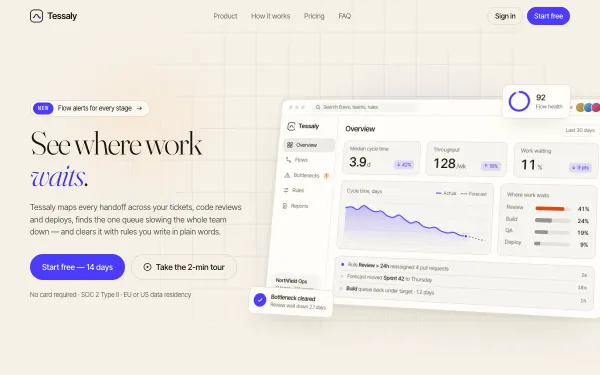
Seven SaaS and startup landing page templates with live demos: meeting notes, crop monitoring, feature flags, a team calendar, fintech, a product launch and a B2B dashboard. Try each, then rebuild it with your product.

A SaaS landing page has to explain a product in a few seconds, show it working, and make the next step obvious. The seven templates here start from that, and use scroll to demonstrate the product instead of describing it.

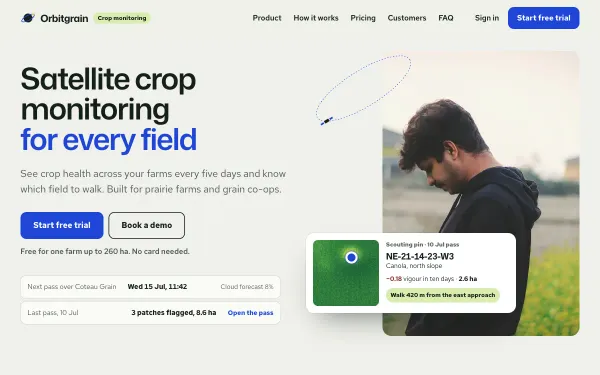
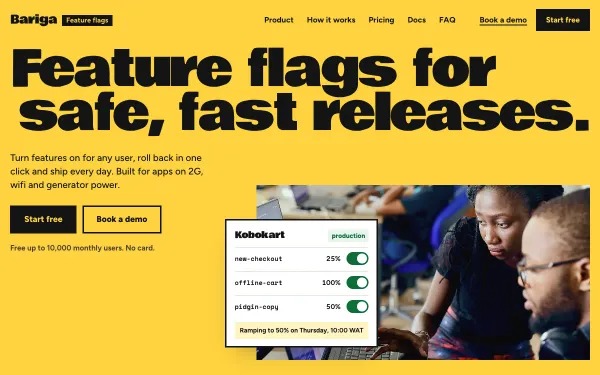
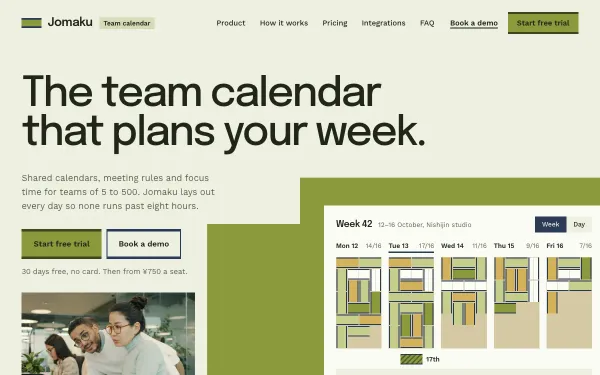
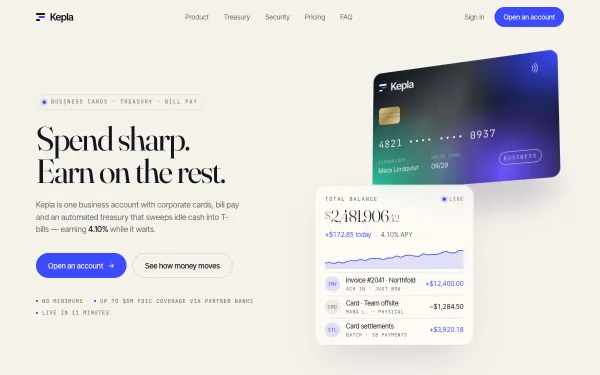
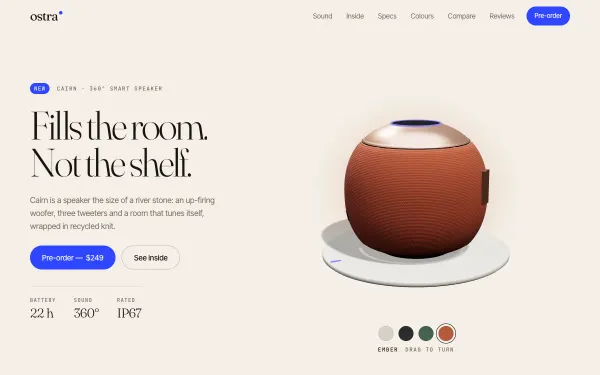
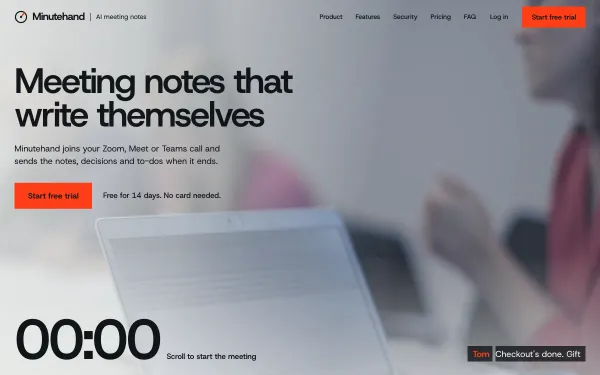
A meeting-notes template runs a live meeting while the notes write themselves as you scroll. A crop-monitoring page lets you read a field map layer by layer. A feature-flag page includes a lever-and-dial rollout demo. A team-calendar page has a live drag-and-drop day planner. Three more are complete starting points: a B2B dashboard that assembles itself, a fintech page with a tilting 3D card and a ticking balance, and a product-launch page with a 3D model you turn by dragging.

The products are invented and their numbers are sample data, so replace them with yours. The pricing tiers, integrations and code-tab sections are real layouts you keep or remove. Start with the "Make it mine" wizard, and use the build steps if your AI tool has a small message limit.
7 live templates

What to look for

A product demo above the fold

Minutehand, Orbitgrain and Jomaku show a working product view in the hero. Visitors see what the software does before they read about it.

Pricing, integrations and proof

Check the template includes the sections your buyers expect: tiers, integrations, security, and a place for real customer logos or quotes you are allowed to use.

Fast enough for ads

If you send paid traffic here, performance matters. The template viewer shows measured Lighthouse numbers for each template.

How you use them

  1. Try it live. Every demo is free: open it, scroll it, move the Playground knobs.
  2. Make it yours. Open a template and choose "Make it mine": your name, colours, sections and photos, then copy the prompt (subscribers) into Claude, Cursor, Lovable, v0 or Bolt. Where to paste it.
  3. Or start from the real files. With All Access, or a single template, download the source package and edit it instead of rebuilding from scratch. Publish it free.

Prompts Pro $169/month · All Access $299/month (prompts and source for everything) · single template $39 one-time. See pricing.

Questions, answered

Are the numbers on the pages real?

No. They are sample data for invented products. Replace every number, logo and quote with your own real ones; never keep placeholders live.

Can I connect a sign-up form?

Yes. The forms in the demos do not send anything. Ask your AI tool to connect the form to your email service or backend, or edit the source files if you have All Access.

Will it work with Next.js or Framer?

The templates are plain HTML, CSS and JavaScript with GSAP. Each one has prompts to port it to React, Next.js, Webflow or Framer.

How is this different from a normal template site?

You get the live demo, the exact AI prompt and, with All Access, the real source files. That means the result matches the demo instead of a rough AI approximation.

Subscribers

Unlock prompts and code

Enter the access key from your subscription. This browser stays signed in for 30 days.

See plans