SubscriberSubscriber
Browse products

Property

Real estate website templates

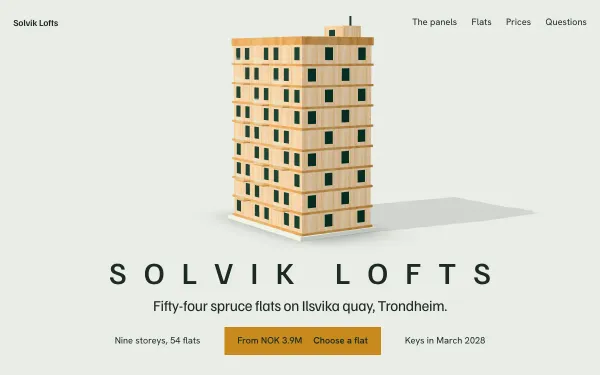
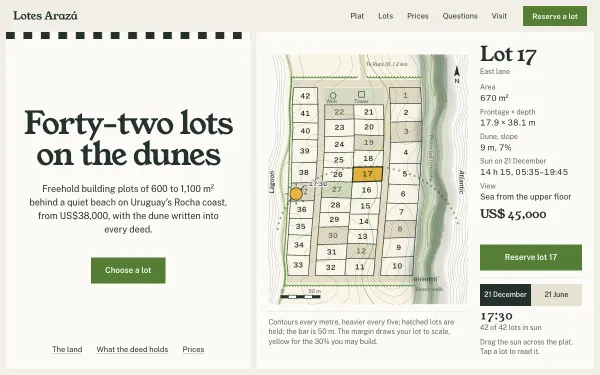
Seven real estate website templates with live demos: estate agents, renovated flats, village houses, a 3D tower and a timber building. See listings, floor plans and walk-throughs done with scroll animation.

A property site has one job: get a serious buyer or renter to enquire. That means listings that are easy to scan, prices and fees stated, floor plans, and a clear way to book a viewing. These seven templates build those pieces into scroll-driven pages, so the motion explains the property instead of decorating it.

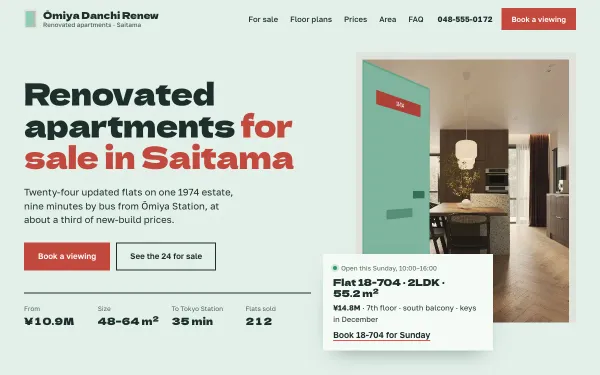
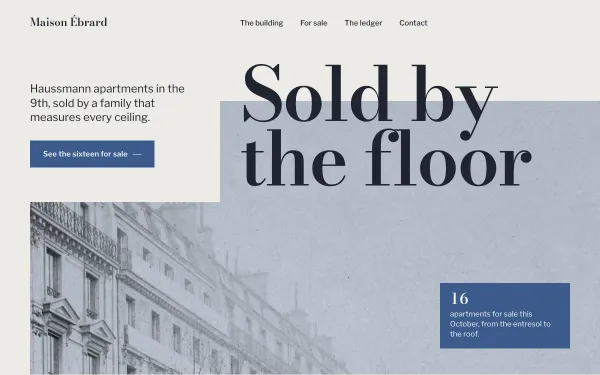
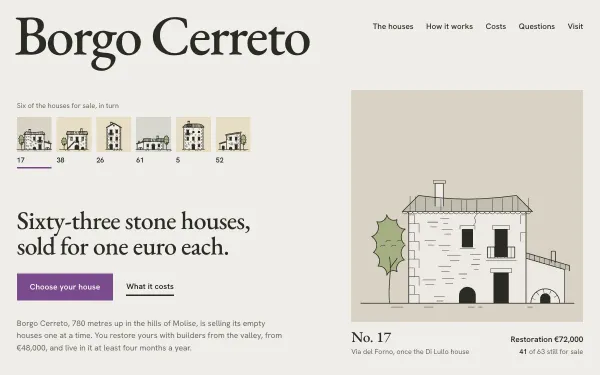
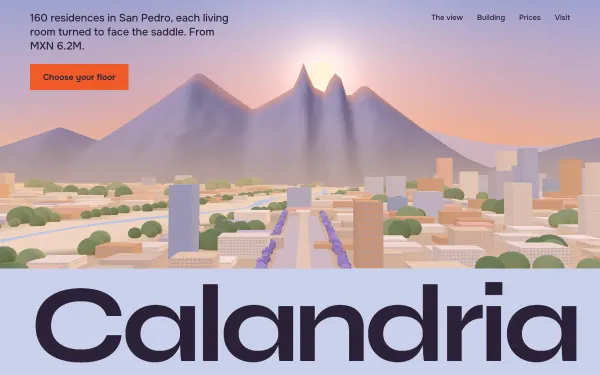
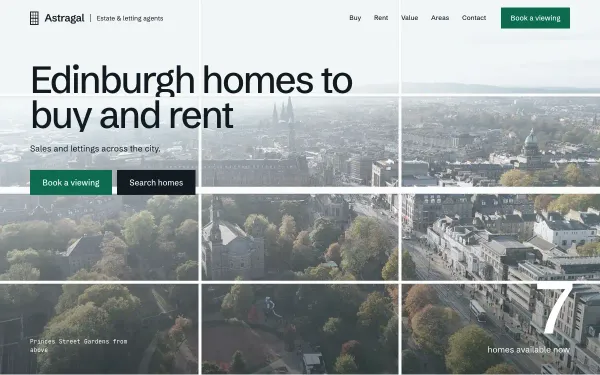
An Edinburgh agency page turns a sash window into a room-by-room walk-through. A Saitama renovation page has filterable flats with prices, fees and a monthly cost. A Paris agent cuts a Haussmann façade open floor by floor, each floor a listing. A village-house page draws 63 houses to one scale. A tower page rides the lift to floor 32 in 3D, a timber building assembles itself floor by floor, and a coastal page lets you tap a dune lot to open its details.

The agents, towers and villages are invented. Use the structure: swap in your own listings and photos, keep the filters and floor-plan sections you need, and drop the rest. With All Access you get the real files, so adding your listing data is a normal edit.
7 live templates

What to look for

Listings you can filter

Omiyadanchi and Astragal show listings with prices and filters. Check the template has the filters your market uses: price, area, bedrooms.

Floor plans and detail

Buyers want size and layout. Several of these templates open a floor plan or a room view from the listing.

A real enquiry path

Each page ends in a viewing or contact section. Connect it to your email or CRM; the guides explain how to ask your AI tool to do that.

How you use them

  1. Try it live. Every demo is free: open it, scroll it, move the Playground knobs.
  2. Make it yours. Open a template and choose "Make it mine": your name, colours, sections and photos, then copy the prompt (subscribers) into Claude, Cursor, Lovable, v0 or Bolt. Where to paste it.
  3. Or start from the real files. With All Access, or a single template, download the source package and edit it instead of rebuilding from scratch. Publish it free.

Prompts Pro $169/month · All Access $299/month (prompts and source for everything) · single template $39 one-time. See pricing.

Questions, answered

Can I connect my own listings?

Yes. The listings in the demos are sample data. With the source files you replace them with your own list or connect a feed; the customise prompts show what to ask your AI tool.

Are the properties real?

No. All agents, buildings and addresses are invented, so there is no clash with a real agency.

Does it work in other languages or currencies?

The text is plain HTML, so you can translate it or change the currency. Ask your AI tool to do it, or edit the source files directly.

Which plan do I need?

One template for a single agency site is $39 one-time. If you build for several clients, All Access ($299/month) covers every template and its source files.

Subscribers

Unlock prompts and code

Enter the access key from your subscription. This browser stays signed in for 30 days.

See plans