SubscriberSubscriber
Browse products

SplitText and typography

Text animation examples with GSAP SplitText

Live text animation examples built with GSAP SplitText: character, word and line reveals, masked headlines and kinetic type. Free demos; exact prompts and source for subscribers.

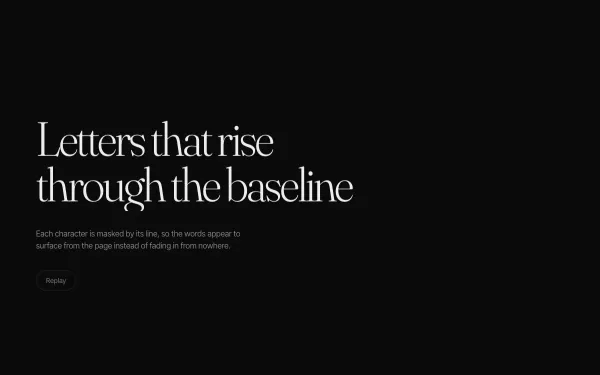
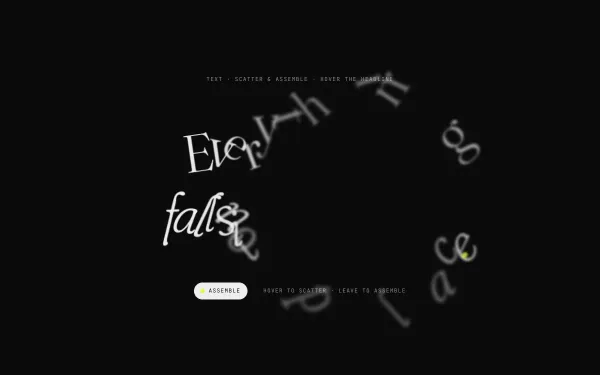
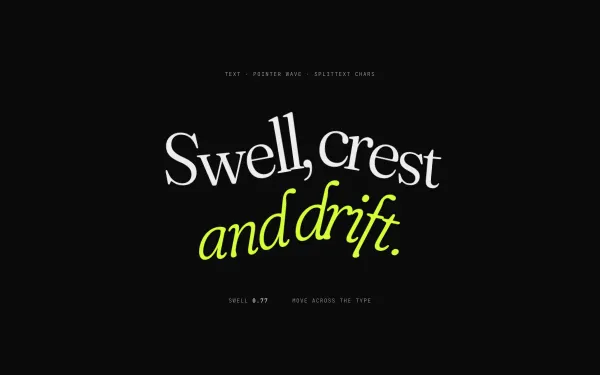
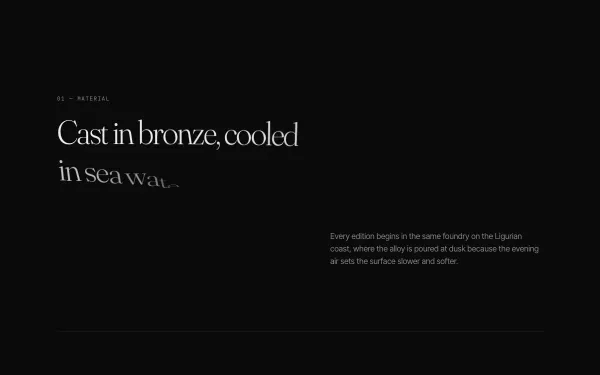
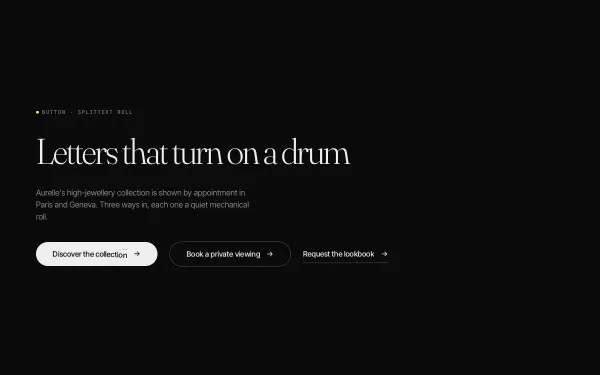
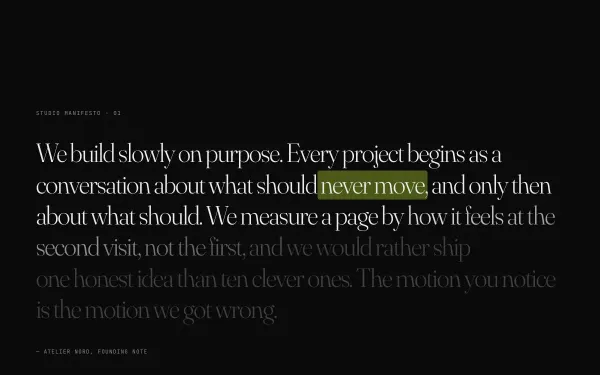
SplitText breaks a heading into characters, words or lines so each can be animated separately: staggered reveals, masked lines rising into place, letters that react to the cursor. It is the base of most animated headlines on modern sites.

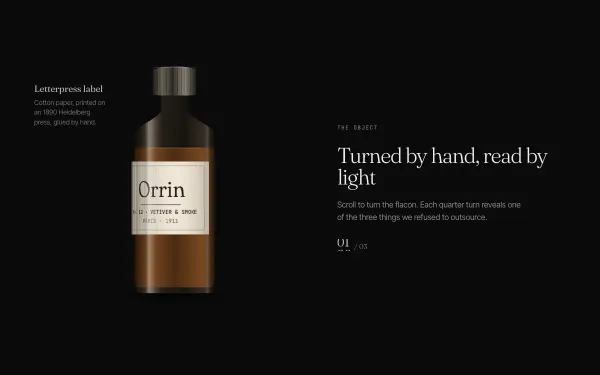
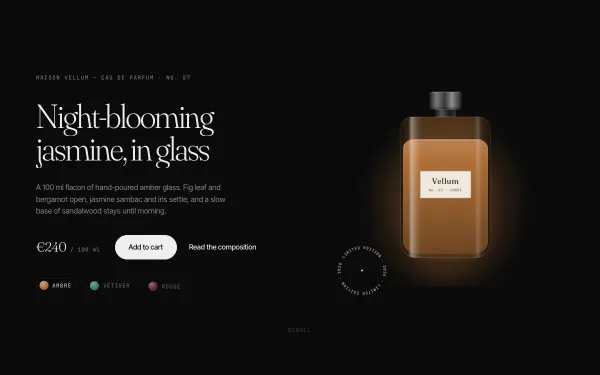
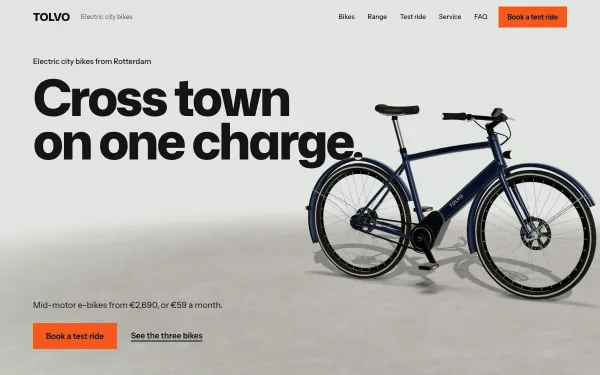
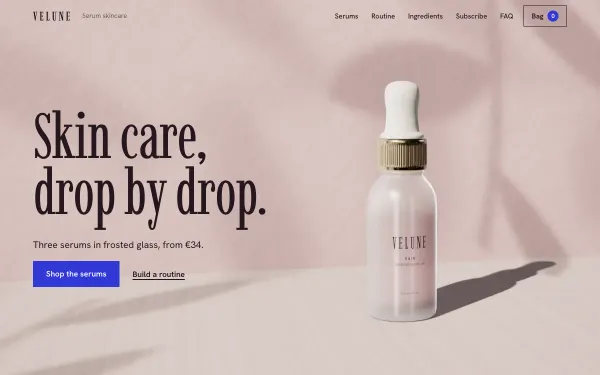
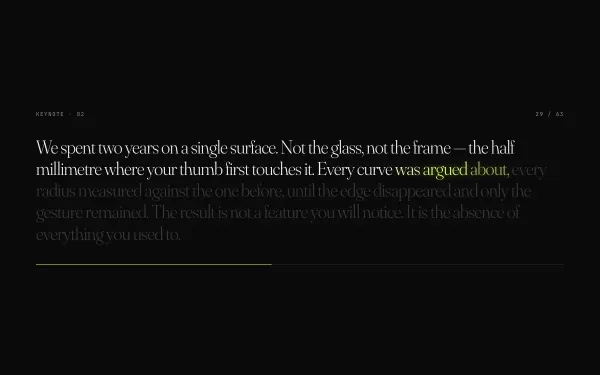
The examples below are real effects and templates from the library that use it. Each runs live with knobs for stagger, speed and direction, and keeps the heading readable for screen readers and for visitors with reduced motion.

Text animation is easy to overdo. These effects are tuned to be read: they finish quickly, they do not hide meaning behind motion, and they keep the headline accessible while it animates.

Showing 12 · 11 effects and 68 templates use this

What to look for

Readable while it moves

A headline should be readable before the animation ends. Check the timing and keep delays short for the first screen.

Accessible by default

Split headings keep their full text for assistive technology and show the whole line without motion when reduced motion is on.

Responsive lines

Line splits must be recalculated on resize. The effects here do so, and avoid breaking on narrow screens.

How you use them

  1. Try it live. Every demo is free: open it, scroll it, move the Playground knobs.
  2. Make it yours. Open a template and choose "Make it mine": your name, colours, sections and photos, then copy the prompt (subscribers) into Claude, Cursor, Lovable, v0 or Bolt. Where to paste it.
  3. Or start from the real files. With All Access, or a single template, download the source package and edit it instead of rebuilding from scratch. Publish it free.

Prompts Pro $169/month · All Access $299/month (prompts and source for everything) · single template $39 one-time. See pricing.

Questions, answered

Is SplitText free?

SplitText is part of GSAP, which is free to use under its current licence. Check GSAP's own terms for your project.

Does text animation hurt SEO?

Not when the real text stays in the HTML, as it does here. The animation changes how it appears, not what is in the page.

Can I use my own fonts?

Yes, as long as the licence allows web use. The prompts note which font settings to keep so the split lines stay aligned.

What if my AI tool gets it wrong?

The help page has a ready fix prompt for "the animation is not playing" and for changed motion values.

Subscribers

Unlock prompts and code

Enter the access key from your subscription. This browser stays signed in for 30 days.

See plans